


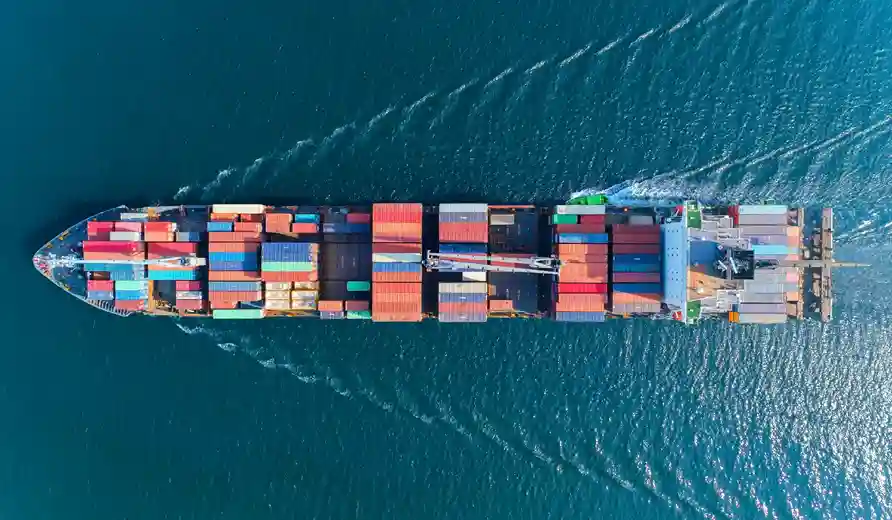
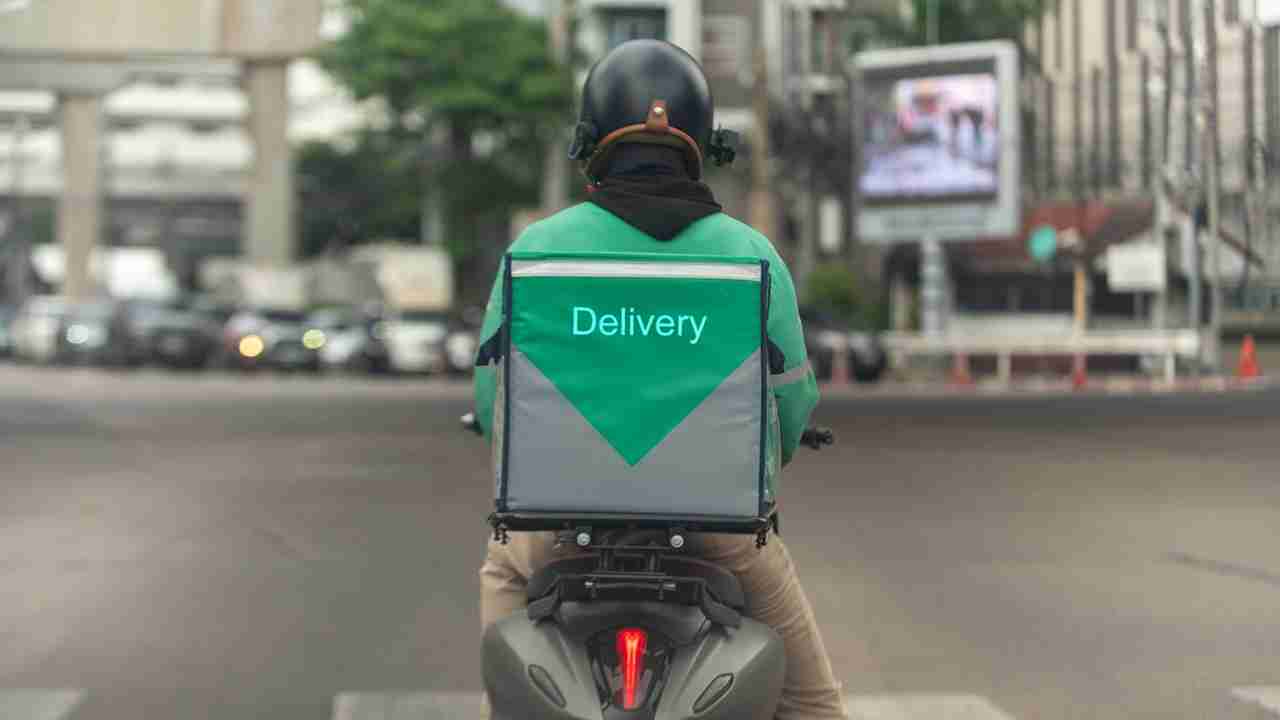
Logistics providers coordinate information among customers, drivers, warehouses, vehicles, carriers, senders, and recipients. They receive high volumes of enquiries about rates, coverage areas, pickup requests, tracking references, delays, and proof of delivery. OmniBot turns these interactions into trackable shipment requests, exception cases, and tasks. It retrieves status from a transport management system or carrier integration when available and routes cases requiring intervention to operations.
How OmniBot Works in This Industry
The journey begins with a shipment request or an enquiry about an existing shipment. OmniBot collects pickup and delivery addresses, shipment type, weight, dimensions, timing, and contact details, then creates a quote request or preliminary booking. Once a tracking reference exists, it can present route updates and notify customers about pickup, out-for-delivery, or exception events.
Practical Industry Use Cases
1. Rate request and shipment booking
Business challenge: Shipment requests arrive incomplete, requiring pricing staff to ask again for dimensions, locations, and service type.
OmniBot role: It collects pickup and destination, weight, dimensions, commodity type, and required timing through progressive questions.
Operational action: It creates a quote request or preliminary booking and routes it to the TMS or pricing team for review.
Operational outcome: More complete shipment data and shorter quote preparation time.
2. Shipment tracking and delivery status
Business challenge: Customers want the latest recorded shipment status without calling the service desk.
OmniBot role: It validates the tracking number, queries the carrier or TMS, and presents the status returned by that source.
Operational action: It sends permitted status updates and opens an exception when tracking stalls or a promised milestone is missed.
Operational outcome: Fewer tracking enquiries and better customer visibility.
3. Failed delivery and address issues
Business challenge: A delivery fails because the recipient is absent, the address is wrong, or access is blocked, and information may be lost between driver and office.
OmniBot role: It captures the failure reason, preferred redelivery time, access instructions, and shipment reference.
Operational action: It updates the redelivery request or creates a dispatch task within system permissions.
Operational outcome: Fewer failed delivery attempts and better fleet utilization.
4. Damaged or missing shipment handling
Business challenge: A customer reports damage or loss, but the report may lack photos, contents description, or proof of delivery.
OmniBot role: It collects shipment reference, description, photos, date, and evidence, and classifies the exception.
Operational action: It creates an operational claim or ticket and routes it to claims, quality, or the carrier liaison.
Operational outcome: Better exception evidence, faster investigation, and fewer repeated evidence requests.
5. Driver and recipient coordination
Business challenge: Pickup and delivery operations require changing confirmations and instructions that are difficult to coordinate manually.
OmniBot role: It sends reminders, captures recipient confirmations or location instructions, and routes messages according to shipment status.
Operational action: It records responses against the shipment or task and alerts dispatch when human intervention is needed.
Operational outcome: Better coordination and less time wasted on repeated calls and attempts.
Teams That Benefit
Customer service, pricing, dispatch, warehouses, fleet management, drivers, post-shipment support, claims, finance, procurement, and IT benefit. Shared functions remain defined once on their own department pages.
From Interaction to Completion
- Receive a message, request, or event from a digital channel or an integrated business system.
- Understand and classify the intent, extract available data, and identify missing information.
- Retrieve approved knowledge, customer context, or connected-system data within granted permissions.
- Create a record, task, or request, or trigger a Workflow/API with the required validation and approvals.
- Route the case to the responsible team with its conversation context and available attachments.
- Track the case and notify relevant parties; report completion only after confirmation from the authoritative system.
Operational and Business Value
Useful measures include shipment creation time, booking-data completeness, first-attempt delivery, delayed shipments, exception resolution time, tracking enquiry volume, and proof-of-delivery capture rate.
Channels and Integrations
Potential integrations include TMS, WMS, GPS tracking, carrier APIs, ERP, invoicing, CRM, maps, and messaging. A request can start in a channel and synchronize with the shipment record once the system issues a reference.
Implementation Boundaries and Controls
Shipment status must come from the carrier or TMS. Do not promise an unverified arrival time or change a route, recipient, or fee without appropriate permission and system confirmation.
Frequently Asked Questions
Can OmniBot create and track shipments?
It can collect shipment details, create a request or booking through a TMS integration, and display tracking from a connected carrier source. Actual shipment creation and status updates depend on system APIs and permissions.